
Black Friday · gaming
A Better Gaming Setup Does Not Have to Mean Replacing Everything
For Black Friday, start with the one part of your setup that gets in the way.
Paid links: we may earn a commission from qualifying purchases. Affiliate disclosure.
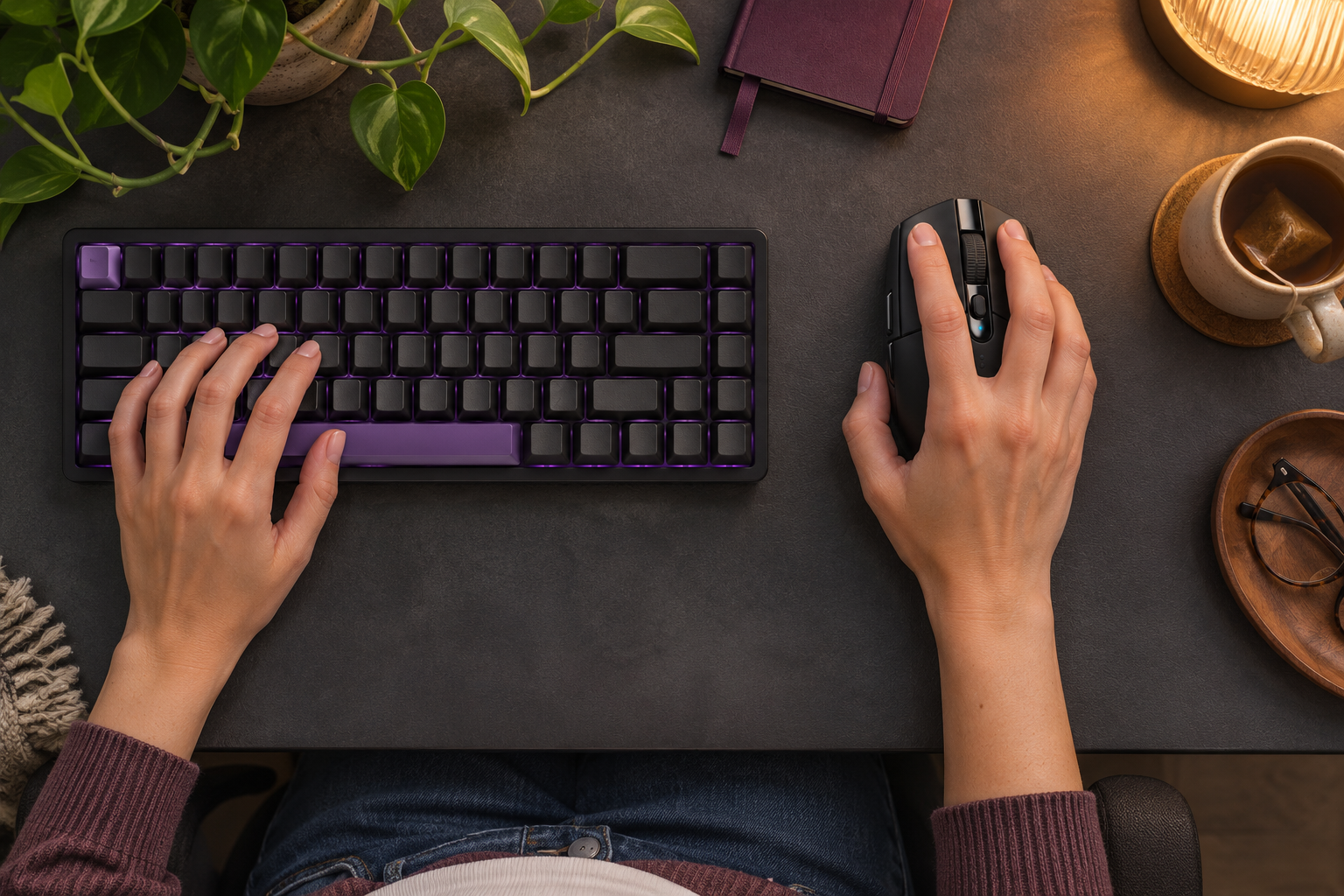
A new accessory is most convincing when you can finish the sentence: “This would make it easier to…” Maybe the mouse cable catches on the desk. Maybe the controller is uncomfortable. Maybe you just need a headset for chatting with friends. That is a better starting point for Black Friday than deciding the whole setup needs an overhaul.
Give your mouse a job to do
The Logitech G305 LIGHTSPEED Mouse is an appealing comparison for a compact wireless setup. Its receiver-based connection clears the mouse cable from the desk, while the AA battery means it is not another device waiting for a charging lead. You will need a suitable USB port for the receiver; it is not a Bluetooth mouse.
If extra controls are the attraction, the Logitech G502 HERO Wired Mouse takes a different approach. More programmable buttons can be useful when you have actions you want within reach. The larger shape, weight, and cable still need to suit your hand and desk. More controls are only a benefit if you enjoy using them.
Match the controller to the machine
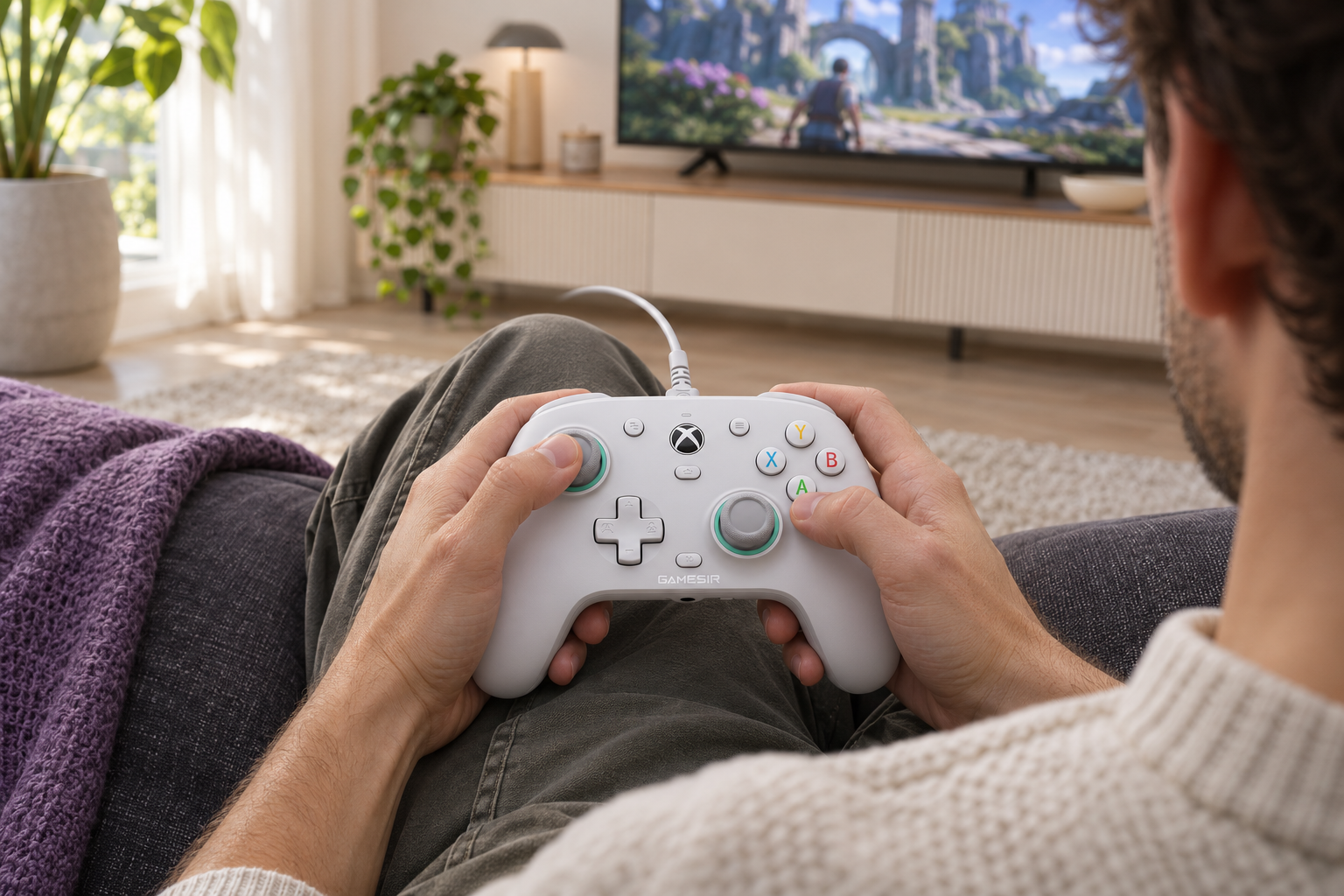
The GameSir G7 SE Wired Controller belongs on a shortlist for supported Xbox and Windows setups when a cable is acceptable. The 8BitDo Ultimate 2C Wireless Controller serves a different Windows-and-Android role. Similar-looking controls do not make them interchangeable across every console.
For a gift, the platform question is worth asking before anything else. Find out the exact system and how the recipient plays. A controller that works at a nearby desk may be less convenient from a sofa across the room, even if all the other specifications sound right.
Make the shared moments easier
The HyperX Cloud III Wired Headset is worth a look when game audio and voice chat need to live in one accessory. Check the connection your system supports and which software features are available on that platform. Basic audio compatibility does not automatically include every spatial-audio function.
And do not overlook the quiet upgrade: the SteelSeries QcK XXL Mouse Pad gives a mouse and keyboard a larger shared surface. Measure the desk before choosing the XXL size. A mat that crowds the monitor stand is not much of an improvement, however tidy it looks in a photo.
Keep the upgrade small enough to judge
Pick the irritation you notice most and change that one thing first. Leave room in the budget for batteries, adapters, or cables if needed. Our under-$100 collection is a selection target; check the exact version and checkout total before buying. No accessory can promise better results in a game.
A satisfying setup is one that lets you get on with playing. Solve the small problem, keep the parts you already like, and put the rest of the budget toward something you will actually enjoy. The goal is a better evening, not a longer equipment list.
Find the products in one place
Explore the full list for our recommendations and fit checks, or open any product on Amazon below.
- Logitech G305 LIGHTSPEED Mouse
- Logitech G502 HERO Wired Mouse
- HyperX Cloud III Wired Headset
- 8BitDo Ultimate 2C Wireless Controller
- GameSir G7 SE Wired Controller
- AULA F75 Pro Mechanical Keyboard
- Razer BlackShark V2 X Headset
- SteelSeries QcK XXL Mouse Pad
- Turtle Beach Recon 50 Headset
- 8BitDo Ultimate 2 Wireless Controller
These are product ideas, not confirmed Black Friday discounts. Prices, selected versions, Prime eligibility, and delivery can change. Check the exact offer and checkout details on Amazon.com (U.S.).
Further reading: Logitech G305 specifications · GameSir controller details
More from the blog.
 Small Black Friday Finds That Earn Their Place at Home
 A Black Friday TV Should Fit Your Living Room, Not Just Your Budget
 The Kitchen Upgrades Worth Making Room for This Black Friday